
The tool
What is a Google review link?
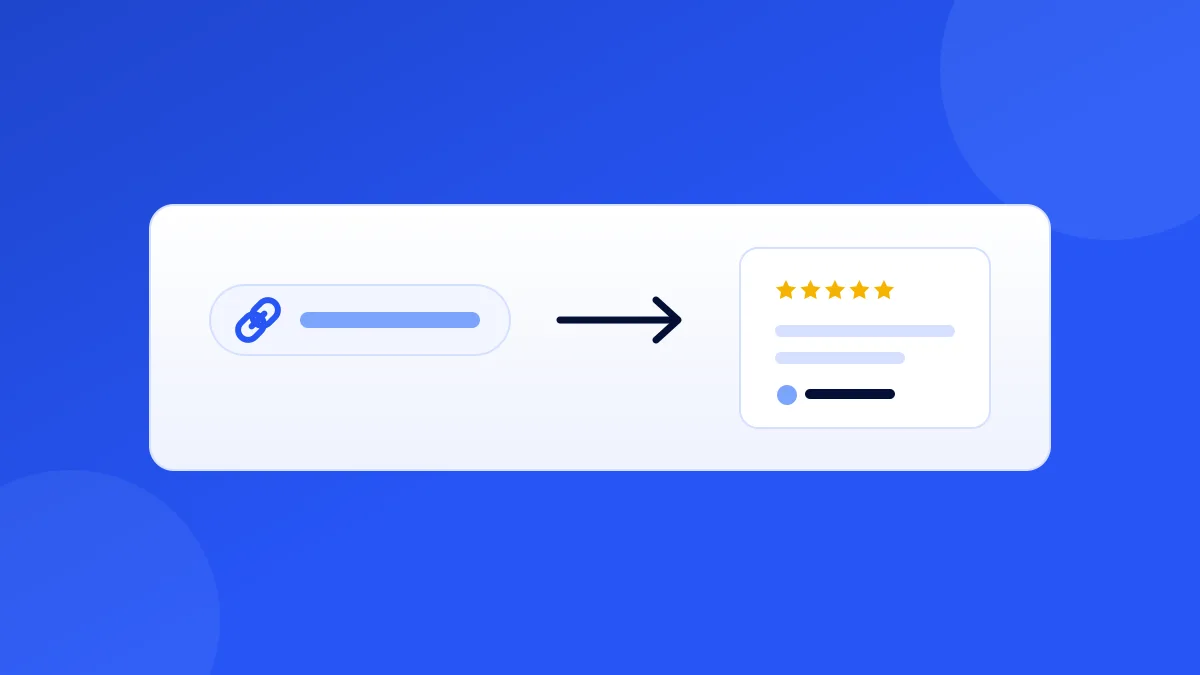
A Google review link is a direct URL that opens the "Rate and review" screen for your business — the exact form where a customer picks a star rating and writes their review. It skips every step in between: no searching for your business, no scrolling your profile to find the "Write a review" button, no getting distracted by competitors in the map results.
That difference sounds small and isn't. Every extra tap between "I'll leave you a review" and the actual review form loses a meaningful share of willing customers. The direct link takes the journey from five steps to one.
This generator finds your business on Google and builds the link for you — the same official link format Google's own "Ask for reviews" feature produces (search.google.com/local/writereview) — plus a scannable QR code version for anything physical: counters, receipts, table cards, packaging.
Quick start
How to get your Google review link
-
01
Search your business
Type your business name and city. The tool searches Google's own business index — the same data behind Google Maps.
-
02
Pick your listing
If several matches come up, pick yours by address. Multi-location businesses: generate a separate link per location — each location's reviews live on its own profile.
-
03
Test the link
Open it on your phone before you share it anywhere. It should land directly on the star-rating screen for your business, with no extra steps.
-
04
Put it everywhere the customer already is
Email signatures, post-visit texts, receipts, invoices, your website footer, WhatsApp — and use the QR code for physical placements. The best review link is the one a happy customer doesn't have to go looking for.
Placement playbook
Where hotels, restaurants, and local businesses use their review link
The link does nothing sitting in a note on your phone. The highest-converting placements, by business type:
Restaurants & cafés
QR code on the table card or receipt, link in the post-reservation follow-up text. The moment the bill arrives is peak satisfaction — catch it.
Hotels & rentals
Link in the post-checkout email while the stay is fresh, QR at the front desk. For vacation rentals, add it to the checkout instructions.
Home services & trades
Text the link at job completion, print the QR on the invoice. "Here's my card — the QR on the back is where you can leave us a review" converts remarkably well.
Clinics & salons
QR at reception checkout, link in the appointment follow-up message. Front-desk staff mentioning it takes ten seconds and multiplies scans.
Retail & ecommerce
QR at the register, link in the order-delivered email, card in the shipping box. The unboxing moment is an underused review trigger.
Everywhere, always
Email signature. Every employee, every email. It's the zero-effort placement that quietly compounds.
Good to know
The rules: what you can and can't do with a review link
Sharing your review link and asking customers to use it is fully allowed by Google — its own Business Profile dashboard has an "Ask for reviews" feature that produces this exact kind of link. What Google's policies prohibit is paying or incentivising reviews (discounts, freebies, contest entries for stars) and "review gating" — only showing the link to customers you've pre-screened as happy.
The safe pattern is simple: ask everyone, the same way, with no reward attached. Ask at the moment of completed service, make the action one tap, and let the reviews land as they may. Businesses that do this consistently outpace their market's review velocity within a couple of months — volume and recency both feed how prominently Google surfaces you in local results.
One more nuance: this link is for Google. Yelp's guidelines discourage actively soliciting reviews, so don't reuse the same ask-everyone playbook there — and TripAdvisor has its own review-collection tools for hospitality businesses.
Frequently asked questions
How do I create a Google review link for my business?
Search your business name in the generator above, pick your listing, and copy the link — it uses Google's official write-review URL format (search.google.com/local/writereview?placeid=...). Alternatively, you can get the same link manually from your Google Business Profile dashboard via the "Ask for reviews" button, but you need to be signed in as the profile owner; this tool works without any sign-in.
Does my Google review link ever expire or change?
The link is built on your business's Place ID, which is stable — it survives profile edits, address changes within the same listing, and ownership transfers. It would only break if your Google Business Profile itself were deleted or merged into a different listing. Print it on 500 table cards with confidence.
Can customers use the link without a Google account?
Leaving a Google review requires being signed in to a Google account — that's Google's rule, not the link's. The link still does its job: it takes a signed-in customer straight to the rating screen, and prompts a signed-out one to sign in first. Since most phones are already signed in to Google, in practice the friction is minimal.
I have multiple locations — do I need a separate link for each?
Yes. Each location has its own Google Business Profile with its own Place ID, its own reviews, and its own local ranking. Run the generator once per location (search with the city or street to disambiguate) and route each location's customers to its own link — a shared link concentrates all reviews on one profile while the others stay thin.
Is it against Google's rules to ask customers for reviews with this link?
No — asking for reviews is explicitly allowed, and Google provides review-link sharing in its own Business Profile tools. What's prohibited is offering incentives in exchange for reviews and review-gating (pre-filtering so only happy customers see the ask). Ask everyone equally, with no reward attached, and you're fully within policy.
What's the fastest way to get more reviews with this link?
Timing beats volume of asks: send the link at the moment of completed service — after checkout, after the meal, after the job — when satisfaction is highest and the phone is in hand. Pair a physical QR placement (counter, receipt, table card) with an automated post-visit message. FeedbackRobot automates that second half: it sends your review link to every customer at the right moment and drafts responses to the reviews that come back.
Turn your link into a printable flyer
A QR code on the counter converts customers a text can't reach — build a print-ready flyer with your new review link in one click.
Use the Review QR Flyer Generator