


Reviews & Reputation
Monitor everywhere. Resolve instantly.
See Reviews & Reputation →
Radar
Radar consolidates reviews from Google, Tripadvisor, Booking.com, Expedia, Agoda, Facebook, Yelp, Zomato and OpenTable into one dashboard to track reputation, analyse sentiment and respond faster.
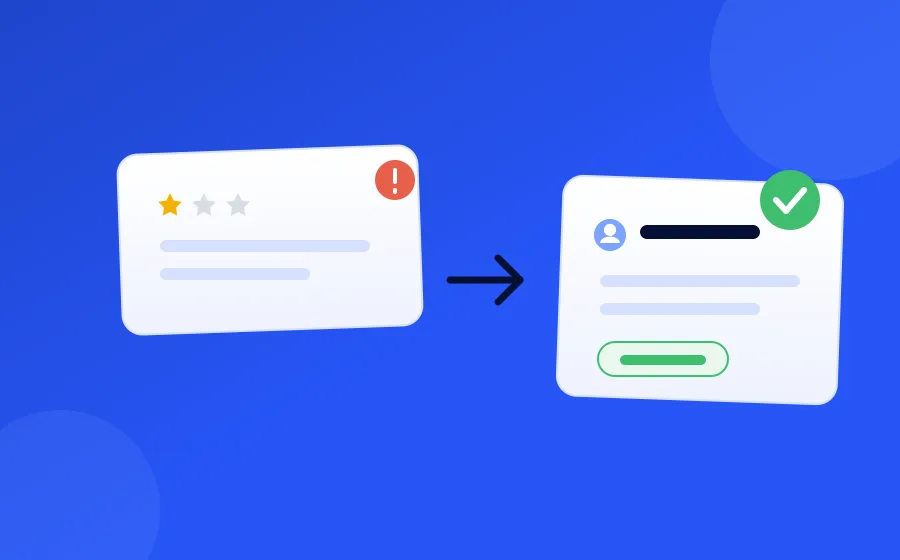
AI Resolutions
Negative feedback opens a conversation. The AI names what went wrong, makes it right with an offer you authorised, and closes the loop — with a person one click away.

Team Inbox
One shared queue for every survey response and review, tracked through Active, Ongoing and Resolved so nothing is missed or answered twice.

Spotlight
Spotlight helps you showcase your best customer feedback with beautiful widgets and ready-to-share social posts — all powered by AI.
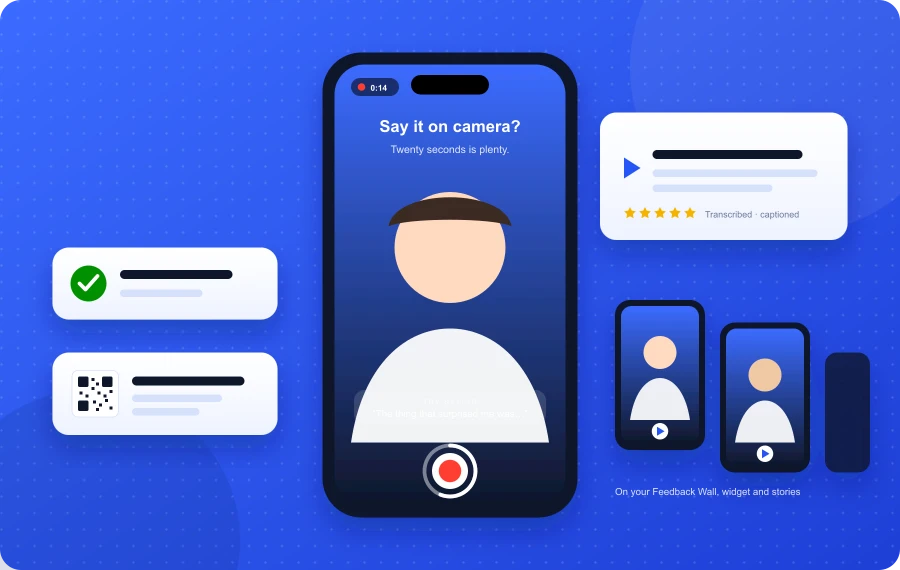
Video & Voice Testimonials
A record button inside any survey — kiosk, QR code, email link, or embedded on your site. Twenty seconds, transcribed, approved by you, and live on your website and social the same day.

Train FeedbackRobot
Train FeedbackRobot in ten minutes, or import the manual you already have. From then on every review and survey answer is sorted before anything is drafted: routine ones are answered in your voice, serious ones are held for a person, and the right department gets the note.
AI, Your Way
Ask your feedback data anything — built in, or from your own AI


How the pieces fit together
FeedbackRobot is built around one loop rather than a collection of separate tools, and the features make more sense read in that order.
Feedback comes in. Either you ask for it — a survey sent by email, SMS or WhatsApp, or a QR code at the point of experience — or it arrives publicly as a review on one of the eight platforms Radar monitors. Prompt-to-survey covers the asking; Radar covers the listening.
It gets read and sorted. Every response and review is tagged for sentiment and summarised, so the volume stops being the problem. Anything that crosses your threshold for “a human needs to see this” opens a resolution automatically.
Someone acts on it. AI Resolutions drafts the response; the team inbox is where your team works through the queue, tracked as Active, Ongoing or Resolved so nothing is missed or answered twice.
The good stuff gets reused. Positive feedback becomes social proof through Spotlight — embedded widgets on your site, or a hosted feedback wall with its own shareable link. With video & voice testimonials, happy guests can say it on camera from any survey, and the approved clips land on the same wall and in story-format posts.
And it answers from your documents. Train FeedbackRobot on the policies, menus and scripts your team already has, so a reply quotes your actual hours and rules instead of apologising in general terms — and shows you which passage it used.
And the whole thing runs on rules. Automations connect the steps: send a survey when an order is fulfilled, escalate a bad response the same day, follow up once it’s actually fixed.
What FeedbackRobot doesn’t do
Worth being direct, because it saves evaluation time.
It doesn’t post replies to review platforms on your behalf — it drafts them, and you publish. It isn’t a helpdesk or a ticketing system; the queue is built for feedback, not for a support workload with SLAs. And it isn’t a general-purpose form builder — surveys here are built to feed the loop above, not to collect arbitrary data.
If you want to interrogate your feedback conversationally rather than through dashboards, there are two routes: the built-in Assistant, and the MCP server, which lets Claude or ChatGPT query your feedback data directly.