
What it does
Prompt-to-survey conversion
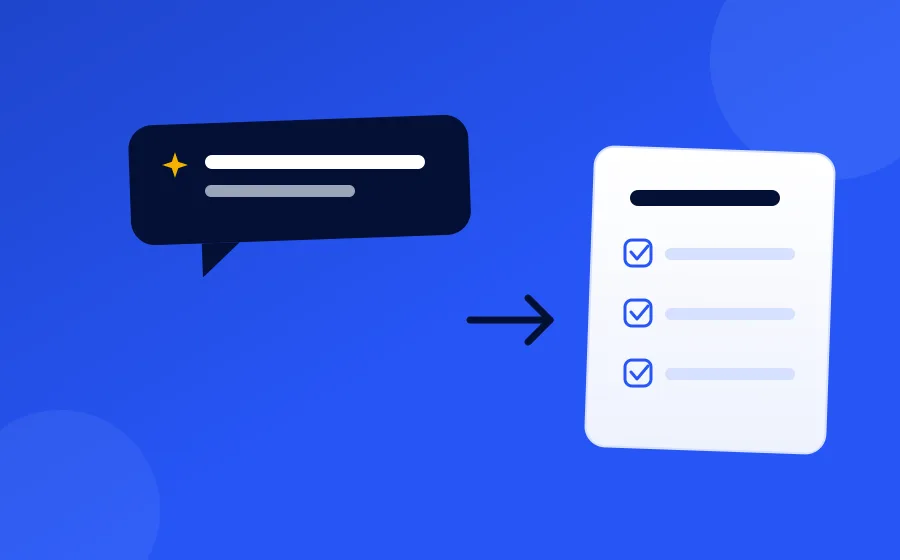
Transforms a basic prompt into a complete, branded survey ready for immediate deployment.
Smart AI question builder
Creates natural, on-brand questions matching your tone and objectives.
Instant preview
See exactly how the survey will look before you send it.
Quick edit & send
Rapid adjustments and deployment, with tone and design handled automatically.
How it works
-
1
Write a natural-language prompt describing what you want to learn.
-
2
AI generates contextual, on-brand questions.
-
3
Edit if needed, then send — or launch immediately.
Inside the product
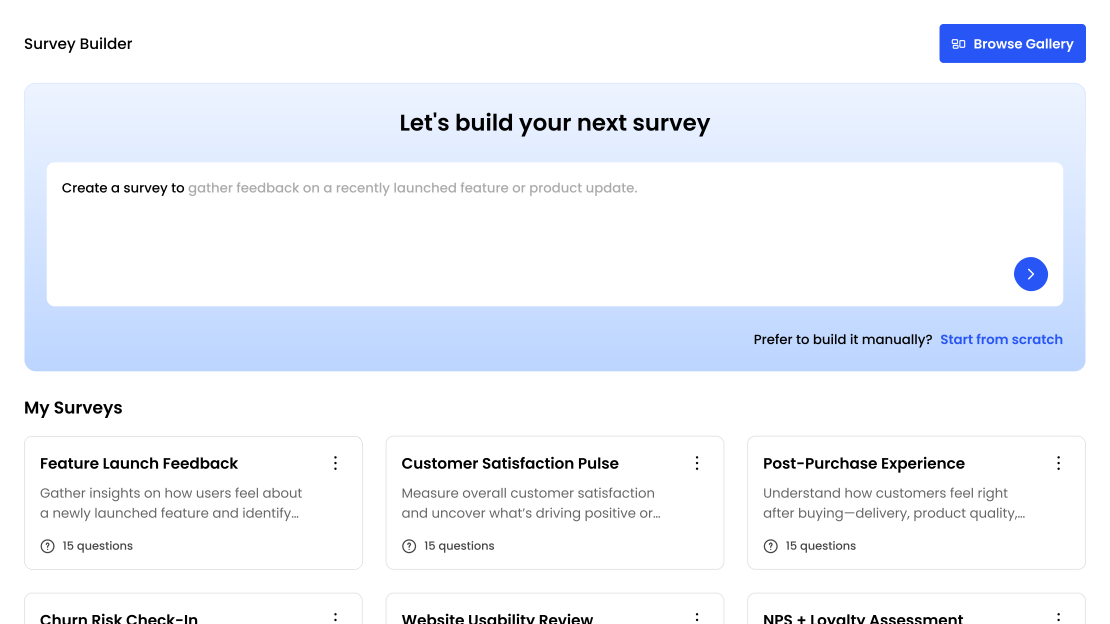
What it looks like in FeedbackRobot
Describing a survey instead of building one
You write what you want to learn — “post-stay survey for a boutique hotel, focused on the check-in experience and the breakfast” — and FeedbackRobot writes the survey. It picks the question types, the order, and the scale wording, then shows you the result to edit.
The reason this works better than a blank form builder is that most bad surveys are bad for structural reasons: too many questions, leading wording, scales that don’t match the question, the important question buried at the end where nobody reaches it. Generating from a description sidesteps all four, because the model is applying a known-good shape rather than leaving you to assemble one.
Editing what comes back
Nothing is locked. You can rewrite any question, change a scale, reorder, delete, or add your own. Most people change two or three questions and send it — the generated draft is a starting point that is already close, not a black box.
Surveys carry your branding, so what the customer sees matches your business rather than a generic form.
Getting it to customers
A survey can go out over email, SMS or WhatsApp, or be embedded directly on your site. You can also generate a QR code for a survey, which is what works in physical locations — table tents, receipts, room cards, the front desk.
Which channel you pick matters more than most people expect. SMS response rates are consistently higher than email for short surveys, and a QR code at the point of experience catches people while the memory is fresh. Email is still the right choice for longer surveys and for anything you want to send to a list.
Templates, if you’d rather not start from a prompt
There is a template library covering the standard cases — NPS, CSAT, post-purchase, post-stay, event feedback, employee pulse — which you can send as-is or use as a base and edit. Browse them at survey templates.
What happens to the responses
Responses feed everything else: sentiment analysis, keyword tracking, and the resolutions queue for anything negative. A survey sent through FeedbackRobot isn’t a form whose results you export to a spreadsheet — a bad response opens a task, and a good one becomes a candidate for your feedback wall.
Frequently asked questions
What is AI Prompt to Survey?
It generates dynamic, branded surveys from a simple prompt — no forms to build, no coding required.
Do I need to know how to build forms?
No — you describe what you want to learn in a natural-language prompt, and AI creates contextual, on-brand questions for you.
Can I preview the survey before sending it?
Yes — you can see exactly how the survey will look before you send it.
Can I edit the AI-generated questions?
Yes, you can make rapid adjustments and deploy — tone and design are handled automatically, but everything stays editable.
Setup takes 3 minutes. Your agent handles the rest.
Get Started — 25 Free AI Actions