
Guide
Best Automatic Restaurant Feedback Systems (2026)
10 automatic restaurant feedback systems ranked by speed, Google/Yelp integration, and AI response automation. Includes one free option with no setup fee.

Apr 24, 2026 · 13 min read
Free tool
AI Survey Generator
Describe what you want to learn and get a ready-to-send survey in seconds.
It’s 9:00 p.m. on a Saturday. The dining room has finally slowed down, the last checks are closed, and you do what most owners do. You check your phone.
There it is. A public review from an hour ago complaining about cold food and slow service. Nobody mentioned it in the building. No server flagged it. No manager touched the table. By the time you see it, the problem is already on Google, and now you’re managing reputation damage instead of guest recovery.
That cycle wears operators down. You spend all week solving the problems you hear about too late.
An automatic restaurant feedback system changes that rhythm. Instead of waiting for the public review, you ask for feedback right after the meal, while the experience is still fresh and while you still have a chance to fix it. That turns feedback from a reputation task into an operating system for service recovery, staff coaching, and social proof.
For a single-location owner or a small chain, that shift matters more than any flashy AI feature. You don’t need another dashboard that collects dust. You need a system that catches problems fast, routes them to the right person, and helps you turn happy guests into visible advocates.
Stop Chasing Reviews Start Shaping Experiences
Most restaurants don’t have a review problem. They have a timing problem.
A guest has a rough experience at lunch. The team is buried. Nobody asks the right follow-up question. Hours later, the complaint shows up publicly, where your first response is no longer service recovery. It’s damage control.
That’s why the old approach fails. Manual review monitoring is reactive by design. It depends on the guest choosing to complain in a place you happen to check, at a time you still have the staff and context to do something about it.
What the old rhythm looks like
A busy owner usually deals with feedback in one of these ways:
Platform hopping: Checking Google, Yelp, Instagram DMs, and inboxes separately.
End-of-day review checks: Seeing issues only after the shift is over.
Manager memory: Hoping someone remembers table 42 had a bad experience.
Public-first recovery: Responding after the complaint is already visible to everyone.
That setup creates blind spots. It also puts pressure on your team to remember details they won’t remember during a rush.
Practical rule: If a guest can publish the complaint before your manager sees it, your system is too slow.
What a better rhythm looks like
A modern system asks for feedback at the moment it matters most. Right after payment. Right after pickup. Right after delivery handoff. The timing is what changes everything.
Now the unhappy guest can tell you privately first. Your manager can step in while the shift is still active. Your kitchen lead can connect the complaint to the ticket flow that occurred. Your staff can recover the relationship before the guest tells the internet what went wrong.
The upside isn’t limited to damage control. When guests have a great experience, a strong system helps you capture that too. You can turn positive feedback into something useful, whether that means highlighting praise internally for staff morale or publishing your best comments as social proof on your site.
The operational win is simple. You stop treating feedback as an after-the-fact reputation report and start using it as a live service signal.
The Anatomy of a Modern Feedback System
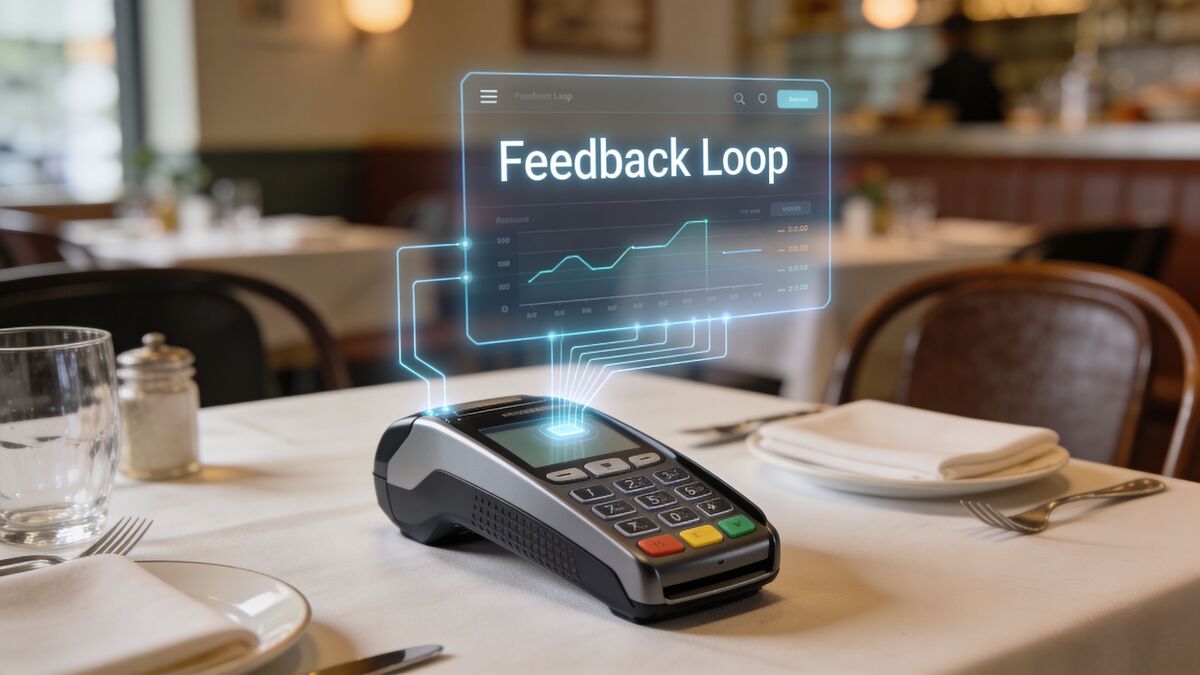
An automatic restaurant feedback system isn’t just a survey link. It’s a connected loop with three jobs: capture feedback fast, understand it quickly, and trigger the right action without creating more work for your team.
It starts right after payment
The best systems begin post-purchase. That usually means a QR code on the receipt, a table tent, a takeout insert, or an SMS prompt tied to your POS. For restaurants using Toast or Lightspeed, that connection matters because it keeps the request close to the transaction that just happened.
According to Zigpoll’s guide to real-time restaurant feedback systems, fresh post-dining surveys can drive 70-80% response rates, compared with 20-30% from delayed asks. That same source notes that AI-powered sentiment analysis and NLP can identify operational issues with up to 85-90% accuracy, and real-time alerting can reduce issue resolution time by 40-60%.
That’s the first part of the anatomy. Capture while the experience is still vivid.
If you’re still deciding which collection method fits your service style, this list of 10 proven ways to collect customer feedback is a useful comparison because it shows how QR, email, in-person, and digital methods behave differently in practice.
Then the system translates comments into signals
Most guest comments don’t arrive in neat categories. They sound like this:
Food was great but we waited forever for drinks.
That one sentence contains praise, friction, timing, and a clue about which part of the operation broke down. A strong system reads that as more than a comment. It tags it by sentiment, identifies the theme, and shows whether similar complaints are piling up.
That’s where AI and natural language processing earn their keep. They help the restaurant see patterns that managers miss when they’re skimming comments between shifts.
Action is what makes it operational
Collection without action is just digital suggestion-box theater.
A useful system routes negative feedback to someone who can do something right now. It may notify the manager on duty, flag a service issue, or trigger a recovery workflow before the guest posts publicly. Positive feedback should move somewhere valuable too, such as team recognition, testimonial review, or website publishing.
A practical way to think about the anatomy is this short flow:
Stage | What happens | Why it matters |
|---|---|---|
Capture | Guest responds by QR or SMS after purchase | You get the truth while it’s fresh |
Analyze | AI tags sentiment and recurring themes | You see patterns instead of isolated complaints |
Act | Manager or workflow responds immediately | You recover guests and surface wins faster |
That’s the model. Not survey software. Not review management alone. A feedback loop that runs on restaurant time.
Key Features That Power Your Feedback Engine
Most restaurant owners don’t need more software. They need fewer gaps between what guests say and what the team does next.
That’s why feature lists often miss the point. The question isn’t whether a platform has a lot of tools. The question is whether those tools connect collection, triage, recovery, and reputation in one workable flow.
The features that solve real restaurant problems
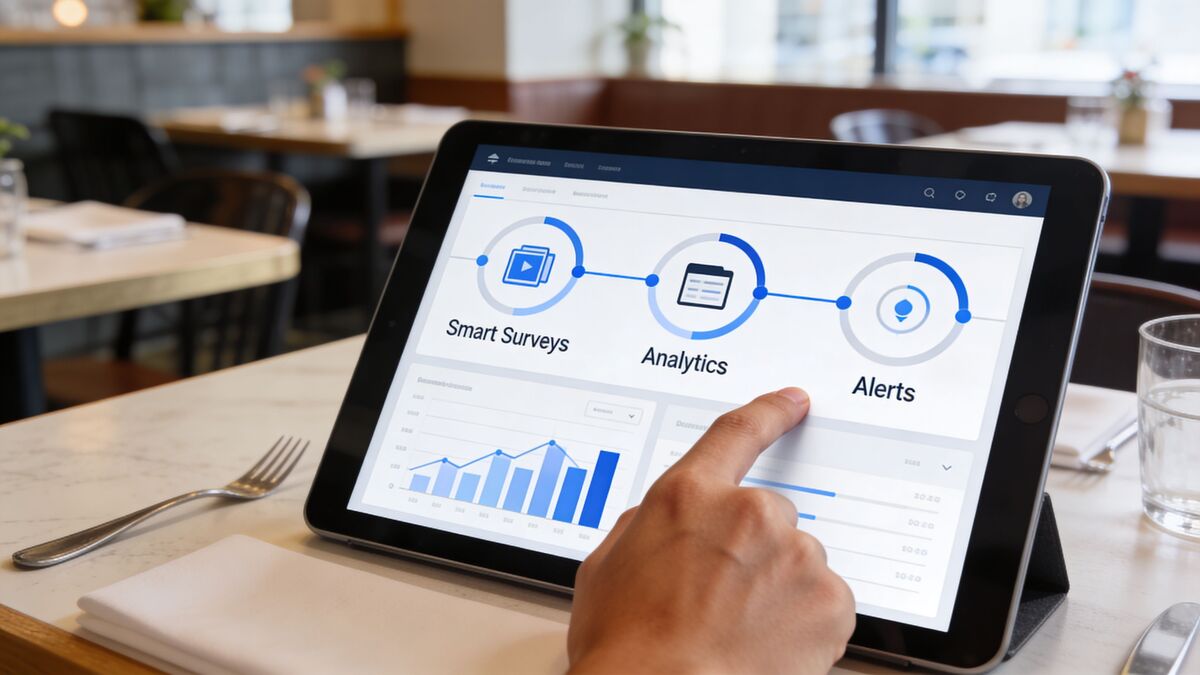
Prompt to Survey handles the first job. It turns the post-purchase moment into a reliable ask. In practice, that means creating short surveys and sending them through QR, email, or SMS without building a clunky campaign every time. For restaurants, this is what makes feedback collection consistent instead of depending on whether a server remembers to mention it.
Radar is the operational command center. It gives you unified review intelligence by pulling private survey responses together with public review signals. That matters because a restaurant’s reputation usually lives in fragments. Private complaints sit in one system. Google reviews sit in another. Managers hear some issues on the floor and forget others by the next shift. Radar closes that gap so you can compare what guests say privately with what they post publicly.
AI Summaries do the heavy reading. Instead of making a manager scan every open-text response, they generate instant insights and sentiment analysis from the feedback coming in, transforming a pile of comments into something useful, such as “slow lunch service is trending” or “guests keep praising the patio staff but mentioning takeout packaging problems.”
The best operators don’t read more feedback. They reduce the time between signal and response.
The Resolutions Engine closes the loop. This is the piece that turns negative feedback into an action path through automated service recovery. If a guest reports a bad experience, the system can trigger a reply, route the issue, and start the follow-up before the team loses the context. If you want to see how workflow logic like this is structured, the automations overview shows the kind of trigger-based setup that makes these systems usable in day-to-day operations.
Why integrations matter more than flashy AI
Restaurants using Toast or Mews don’t need AI in isolation. They need AI attached to the transaction and the guest moment. The value comes from pairing the payment event with the survey prompt, the comment with the shift context, and the sentiment with a clear owner.
That’s why “connected” matters more than “smart.”
A disconnected tool creates another inbox. A connected system creates a loop:
Transaction triggers request
Guest response creates insight
Insight triggers action
Positive feedback becomes marketing proof
One option in this category is FeedbackRobot, which combines Prompt to Survey, Radar, AI Summaries, and the Resolutions Engine for that end-to-end flow, including the ability to publish positive feedback after it’s captured.
Don’t ignore the bragging side of feedback
Many operators focus only on complaints. That’s understandable, but it leaves value on the table.
Your best feedback shouldn’t die in a dashboard. If several guests praise your brunch service, cocktails, or front-of-house team, that praise should be easy to review, reuse, and publish where future guests will see it. A strong feedback engine doesn’t just reduce churn risk. It also gives you a steady stream of credible proof that your restaurant delivers.
That’s how the engine pays off twice. It protects service in private and strengthens marketing in public.
Your Step-by-Step Implementation Checklist
The fastest way to kill a feedback project is to make it feel like an IT rollout. Small operators need a setup that fits a live restaurant, not a conference room.
According to Birdeye’s restaurant feedback software overview, 70% of US restaurants are independent, single-location operations, and the biggest adoption barriers are perceived setup cost and staff training resistance. The same source notes that successful rollouts focus on a low-barrier trial and proving value in the first 14-30 days.
Week one setup
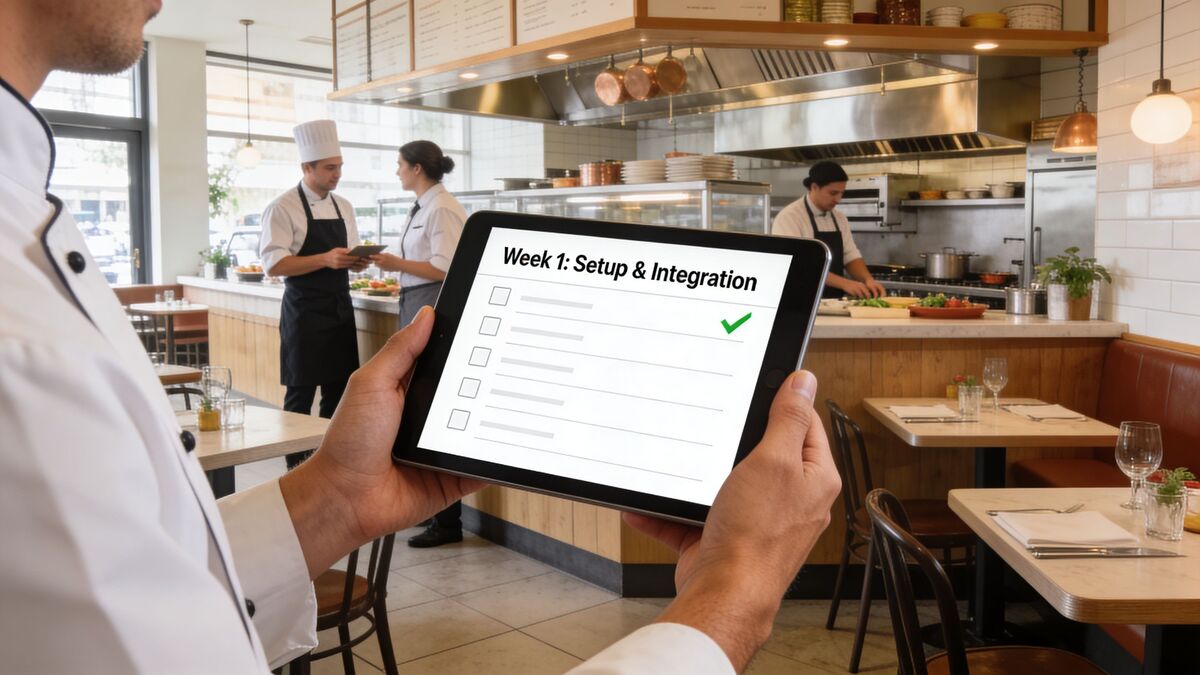
Start with the shortest path from payment to response.
Connect your feedback platform to your POS if that option exists. If you use Toast, tie the ask to the payment event. If you’re using a hospitality stack that includes Mews for lodging or mixed-service environments, connect the guest record where it makes operational sense. Then place your collection points where guests already pause: receipts, host stand takeaway bags, and check presenters.
A QR-based setup is often the least disruptive first step. If you need placement ideas, this guide on using a QR code for customer feedback covers the practical side of getting scans without cluttering the table.
For the survey itself, keep it short. One rating question, one optional comment field, and one follow-up if the score is low. If you need inspiration, these effective restaurant survey questions are a solid reference for phrasing questions guests will answer.
Week two staff workflow
Don’t train this like software. Train it like shift procedure.
Tell the team exactly why it exists. It helps you catch unhappy guests before they leave angry. It surfaces praise that deserves recognition. It gives managers something concrete to act on instead of vague “service felt off tonight” conversations.
Use a simple workflow:
Manager on duty owns alerts: One person must be accountable during each shift.
Negative feedback gets a same-shift response: The faster the response, the better the recovery chance.
Escalations go to the right lead: Food quality to kitchen leadership, service breakdowns to front-of-house, pickup issues to whoever owns off-premise.
If nobody owns the alert, the system becomes a folder of regrets.
After the team understands the flow, show them the alert path once and keep moving. They don’t need a feature tour. They need to know what happens when a guest says something went wrong.
Here’s a quick visual walkthrough that helps when you’re briefing staff or managers during rollout:
Week three and four refinement
Once the system is live, watch behavior before you judge outcomes.
Are guests scanning? Are comments useful? Are alerts going to the right person? Is the survey prompt visible enough for takeout customers? Fix friction at the collection point first. Most rollout issues come from placement, wording, or ownership, not from the software itself.
Then look at the feedback rhythm itself:
Checkpoint | What to look for | What to adjust |
|---|---|---|
Scan activity | Guests notice the prompt but don’t finish | Shorten the survey or improve QR placement |
Comment quality | Responses are too vague | Rewrite the open-text prompt |
Alert handling | Negative feedback sits untouched | Assign one shift owner |
Positive feedback use | Praise stays private | Build a weekly routine to publish standout comments |
That final step matters. Restaurants usually get better at responding to complaints before they get better at showcasing praise. Build both habits early.
Measuring Success With KPIs and Real ROI
If you can’t tie the system to operational outcomes, it turns into another monthly subscription nobody wants to defend.
The trick is to measure a few numbers that matter to service recovery and guest retention. Not vanity metrics. Not “we got more comments.” You want to know whether the system helps your team respond faster, resolve more issues, and keep more guests.
The KPIs worth tracking
Start with these:
Negative feedback response time: How long it takes from guest submission to first action by your team.
Issue resolution rate: How many negative cases move from open to resolved.
Sentiment trend: Whether guest comments are moving in a better direction over time.
Recovered guest value: Whether service recovery is stopping avoidable churn.
For teams that need a clearer framework, this article on key performance metrics for customer service is a helpful way to distinguish between activity metrics and outcome metrics.
If you want a simple reference for how satisfaction reporting is usually structured, Social Intents has a practical explanation of feedback satisfaction scores.
The retention math that matters
The strongest ROI case in restaurants usually comes from guest recovery, not from reporting efficiency.
According to Smartbridge’s analysis of customer feedback with GenAI for restaurants, a simple automated apology paired with a 10% discount recovers approximately 60% of unhappy customers. The same source says that, when scaled across a restaurant’s customer base, this can translate into thousands of dollars in retained revenue annually.
That’s why the ROI conversation should stay grounded in recovered relationships, not software aesthetics.
Here’s a sample monthly model you can adapt.
Sample ROI Calculation Monthly
Metric | Example Value | Calculation | Result |
|---|---|---|---|
Unhappy customers identified | 20 | Input value | 20 |
Recovery rate | 60% | 20 × 60% | 12 recovered customers |
Average retained value per recovered customer | Qualitative estimate based on your average repeat guest value | Internal estimate | Use your own number |
Discount offered | 10% | Applied during service recovery | Controlled recovery cost |
Revenue impact | Qualitative | Multiply recovered customers by your internal repeat value estimate | Shows retained revenue potential |
The key point is simple. If your system helps you save even a modest number of guests who would have churned, it can pay for itself quickly. But only if someone tracks the before-and-after behavior and closes the loop every shift.
Common Pitfalls and How to Avoid Them
The biggest mistake isn’t buying the wrong tool. It’s using automation in a way that makes the restaurant feel less human.
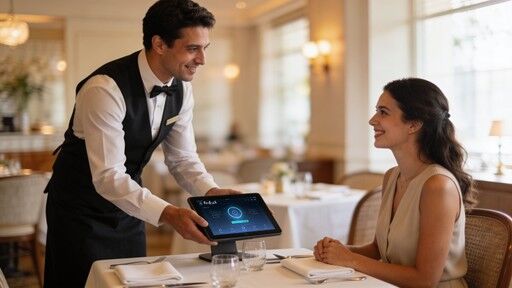
According to PAR Technology’s 2025 consumer research, 60% of surveyed consumers prefer human staff over AI-managed customer support in restaurants, and 62% express concern about losing human connection. That tells you exactly how to frame an automatic restaurant feedback system. It should support hospitality, not impersonate it.
Pitfall one feels robotic
If your automated reply sounds like it came from a legal template, guests will feel brushed off.
Fix that by writing recovery messages the way your managers speak. Use the guest’s name. Reference the issue they mentioned. Keep the first response short, but make it specific enough that the guest feels heard.
Automation should handle speed. Your brand voice should handle warmth.
Pitfall two ignores privacy and consent
Feedback systems collect guest information, comments, and sometimes transaction-linked details. If the survey intro is vague or sneaky, trust drops fast.
Tell guests what the feedback is for. Keep the language simple. Make it clear whether the message is for internal improvement, follow-up, or both. If you operate across regions or use multiple systems, check your privacy and compliance obligations before rollout.
Pitfall three creates a black hole
Some restaurants collect feedback well and act on it poorly. Comments come in. Alerts fire. Then nothing changes.
That usually happens because there’s no daily operating rhythm attached to the tool. The fix is straightforward:
Review feedback during manager handoff
Assign unresolved issues before the next shift
Share positive comments in pre-shift meetings
Use recurring themes to coach staff and adjust operations
When operators avoid these pitfalls, the system starts to feel less like software and more like an extension of floor management.
Turn Today’s Feedback Into Tomorrow’s Growth
A good automatic restaurant feedback system does more than gather comments. It changes how the restaurant runs.
You catch friction while the shift is still active. You recover unhappy guests before they turn into public critics. You stop guessing what went wrong on a bad night because the feedback is tied to a real moment, a real transaction, and a real pattern your team can address.
Just as important, you stop wasting your best praise. Positive feedback becomes something you can share with staff, use in marketing, and publish as proof that guests trust your restaurant.
That’s the difference between collecting data and building an operating rhythm. One fills a dashboard. The other improves service, protects revenue, and gives you credible social proof you didn’t have to manufacture.
If your current process still depends on checking reviews after the damage is done, it’s time to tighten the loop. Ask earlier. route faster. recover better. Then put your best feedback where future guests can see it.
Start with a FeedbackRobot free trial if you want to test real-time survey capture, service recovery workflows, and review intelligence in your own operation. If your priority is turning guest praise into visible trust signals, take a look at Spotlight: Feedback Wall and start publishing the feedback you’ve already earned.
How does the timing of a feedback request specifically impact the volume and quality of guest data compared to traditional review monitoring?
The disparity in engagement is significant; real-time post-dining surveys typically drive response rates of 70-80%, whereas delayed requests often see a drop-off to 20-30%. Beyond mere volume, immediate collection captures the "vivid" experience before the guest’s memory of specific service frictions—such as a specific drink delay or a packaging error—fades or is replaced by a generalized frustration that manifests as a public review. Collecting data at the moment of payment or handoff allows operators to treat feedback as a live service signal rather than a retrospective post-mortem.
Guest comments are rarely structured. How does the system’s AI architecture translate conversational, multi-topic feedback into actionable operational insights?
Natural Language Processing (NLP) and sentiment analysis tools are designed to parse complex sentences that contain both praise and friction, such as "the steak was perfect but the wait for a table was excessive." Instead of treating this as a single data point, the system identifies the distinct themes—food quality and front-of-house timing—and tags them accordingly. With an accuracy rate of 85-90%, this allows the "Radar" and "AI Summaries" features to surface recurring patterns that a manager skimming a dashboard between shifts would likely overlook.
What is the "Resolutions Engine," and how does it prevent the common "black hole" pitfall where feedback is collected but never acted upon?
The Resolutions Engine acts as a workflow automation layer that converts raw feedback into a structured recovery path. Rather than letting a negative survey sit in an inbox, the system triggers real-time alerts to the manager on duty and can automatically initiate a pre-defined response, such as a tailored apology or a strategic discount. This infrastructure reduces issue resolution time by 40-60%, ensuring that the guest feels heard while the experience is still fresh, which is critical for preventing public reputation damage.
From a consultant’s perspective, how should a restaurant calculate the ROI of an automated feedback system beyond simple "reputation management"?
The financial justification lies in "retention math" rather than vanity metrics. Research indicates that an automated apology paired with a small incentive, such as a 10% discount, can recover approximately 60% of unhappy guests who would have otherwise churned. When you multiply those recovered guests by their average lifetime value, the retained revenue often far outweighs the subscription cost of the software. Additionally, the ability to automatically publish positive feedback via tools like the "Feedback Wall" serves as a continuous marketing engine that generates social proof without manual intervention.
How can independent operators implement these automated tools without sacrificing the human connection that 62% of consumers fear losing to AI?
The key is to use automation to facilitate speed, while using brand voice to provide warmth. Operators should customize their recovery templates to mirror how their specific managers speak on the floor, ensuring messages are personalized with the guest’s name and specific mentions of their concerns. Operationally, the software should be integrated into existing shift rhythms—such as reviewing feedback during manager handoffs or sharing praise in pre-shift meetings—so that the technology supports the staff’s hospitality efforts rather than attempting to replace them.
Stop reading about it. Let your agent handle it.
25 free AI actions · no credit card required
Start Free