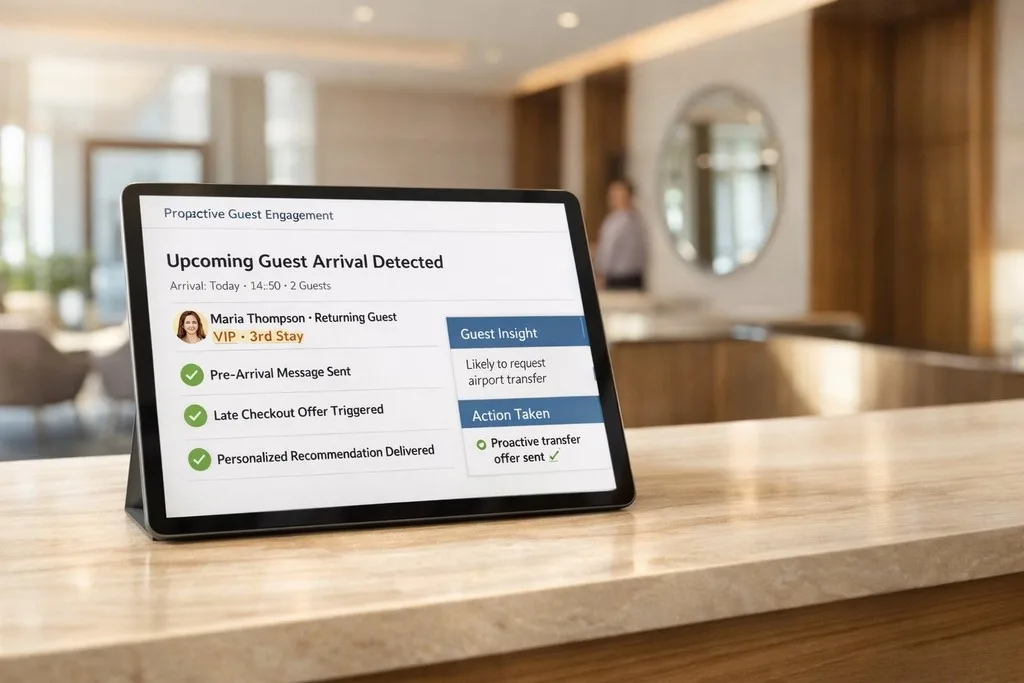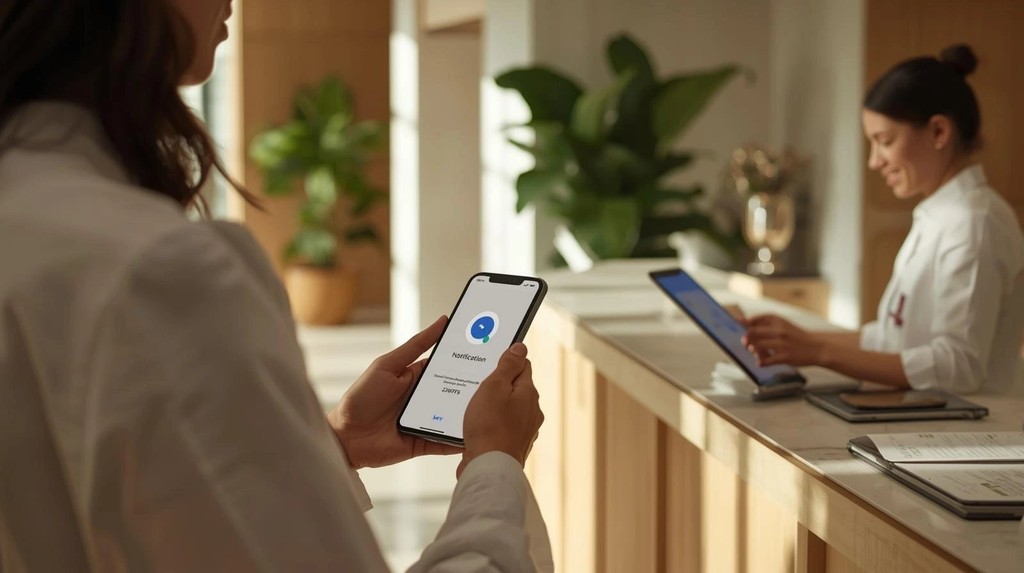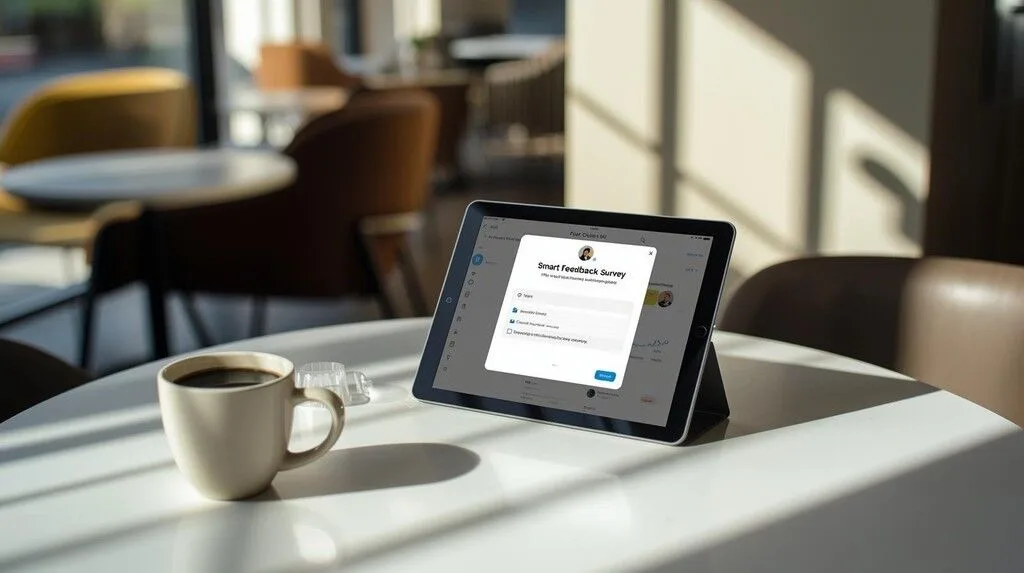
Automated Surveys: How They Work, Examples & Tools (2026)
How automated feedback surveys work, 5 example flows, channel options across email, SMS and QR, and the tools that run them without manual effort.

Jan 30, 2026 · 15 min read
Free tool
Review QR Code Flyer Generator
Generate a print-ready QR code flyer that sends customers straight to your review page.
Automated surveys are feedback surveys that send themselves — triggered by an event like a purchase, a hotel checkout, or a completed appointment — instead of being sent manually by a person. You connect a survey to a trigger once, and from then on every customer gets asked for feedback at the perfect moment, without anyone on your team lifting a finger.
As a busy hospitality or service owner, you know that guest feedback is gold — and that chasing it down manually is a full-time job you don't have. That's exactly the job automated feedback surveys take off your plate.
This isn’t about just collecting data. It’s about having a timely, relevant conversation with every guest to get high-quality, in-the-moment feedback. This gives you a clear roadmap to collect smarter, act faster, and grow stronger.
Time is your most valuable currency. The old way of getting feedback—manually sending emails, hoping someone fills out a comment card, or waiting for a negative online review to pop up—is slow, inconsistent, and leaves you guessing what customers really think. You’re left reacting to problems instead of getting ahead of them.
Automated feedback surveys completely change the game. This isn’t a cold, robotic process. It's like having a dedicated team member who knows the perfect time to ask for feedback, every single time. This is more than just saving a few hours a week; it’s a fundamental shift from reactive problem-solving to proactive experience management.
The magic of automation is all in the timing. By connecting to systems you already use, like your POS or property management system, you can trigger surveys based on real-world events. Your request for feedback lands when it’s most relevant, which makes a huge difference in response rates and the quality of the insights you get.
If you want to go deeper on how this works, our detailed guide on feedback automation breaks it all down.
Just how important is timing? This in-the-moment feedback is 40% more accurate than feedback collected just 24 hours later. That’s the difference between capturing a raw, honest emotion and getting a watered-down memory of the experience.
When you make the switch from a manual process to an automated one, you get clear, tangible benefits that directly impact your bottom line. It’s the engine that powers smarter collection, leading to faster action and, ultimately, stronger business growth.
You can deliver these surveys through various channels, and even leverage platforms like Guest Wifi Surveys to capture input from customers on-site.
But just how big is the difference? Let's break it down.
Manual vs. Automated Surveys: The Bottom-Line Difference
Moving from a hands-on, often inconsistent approach to a "set it and forget it" system isn't just a small upgrade—it's a complete operational overhaul. The table below shows just how much changes when you let automation take the wheel.
Aspect | Manual Feedback Process | Automated Feedback Surveys |
|---|---|---|
Timing | Inconsistent and often delayed, leading to low-quality feedback. | Triggered instantly by events (e.g., checkout, payment), capturing fresh insights. |
Consistency | Relies on staff remembering, leading to missed opportunities. | Every customer receives a survey at the right moment, every time. |
Efficiency | Time-consuming and resource-intensive for you and your team. | A "set it and forget it" system that runs 24/7 without manual effort. |
Scalability | Impossible to manage effectively as your business grows. | Easily handles hundreds or thousands of customers without extra work. |
Simply put, automation removes the friction, inconsistency, and guesswork from one of the most important parts of your business: understanding your customers.
How Automated Surveys Work
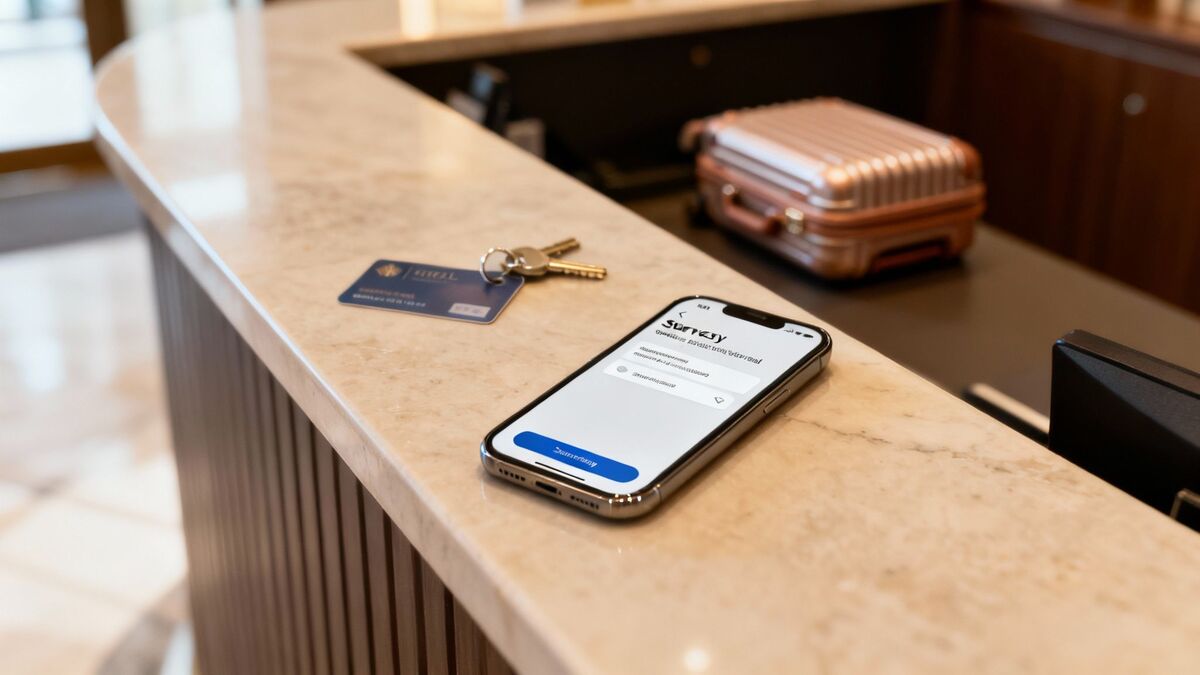
So, how does this whole automation thing work behind the scenes? It’s not magic, but it’s close. The core idea is simple yet powerful: your feedback system monitors for specific “trigger events” in your other business software and reacts instantly.
This isn’t about blasting out random emails. It's a precise, event-driven process. A trigger is just a specific action that happens inside the software you already use to run your business. When that action occurs, the system automatically sends a perfectly timed survey.
This trigger-and-action setup means you never miss a critical chance to connect. It’s the difference between asking a guest about their hotel stay a week later versus moments after they check out with Mews, when the memory is still crystal clear.
The Trigger-and-Action Workflow
Think of it as a simple "if this happens, then do that" instruction. You connect your feedback platform to your main business software, like your PMS or POS, creating a direct line of communication.
Here’s what that looks like in the real world:
For Hotels: A guest’s status changes to “checked out” in your property management system like Mews. That's the trigger. An instant post-stay survey is sent.
For Restaurants: A customer pays their bill using your point-of-sale system like Toast. Boom, an email or SMS with a link to a quick survey goes out.
For Service Businesses: An appointment is marked "complete" in your scheduling software. That’s the cue to send a request for feedback.
This direct integration is the engine behind automated surveys. It gets rid of manual list exports and frees your staff from having to remember. Every customer interaction becomes a valuable piece of insight for your business, effortlessly.
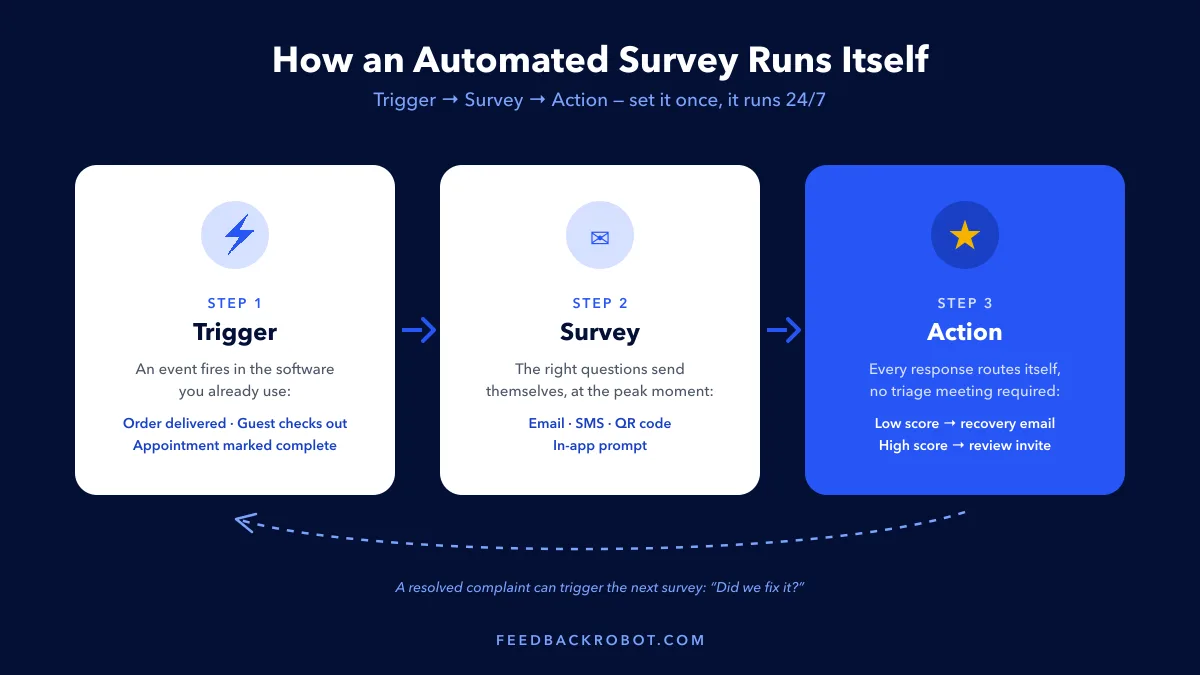
In FeedbackRobot, these trigger-and-action rules are called survey automations — you choose the trigger event, attach the survey, and decide what happens with the response. Set it once, and it runs 24/7.
From Simple Idea to Live Survey, Instantly
Not too long ago, setting up these kinds of workflows was a technical headache. We knew there had to be an easier way for busy owners. That’s exactly why we built a core feature into our Feedback Operating System.
Meet Prompt to Survey, your on-demand survey expert. Instead of fighting with form builders, you just tell the AI your goal in plain English.
Prompt to Survey is an AI-powered tool that removes the technical hurdles of creating effective surveys. Simply describe what you want to learn, and it instantly generates a professional, ready-to-send survey designed to get the answers you need.
For example, just type a simple goal like:
"Find out what guests thought of our new breakfast menu."
"Ask diners about the speed and friendliness of our service tonight."
"Gauge client satisfaction after their project milestone was completed."
In seconds, Prompt to Survey builds the entire survey. Connect it to a trigger, like a payment in your Toast system, and your automated feedback loop is officially live. This is how you collect smarter.
Analyzing Automated Survey Responses with AI
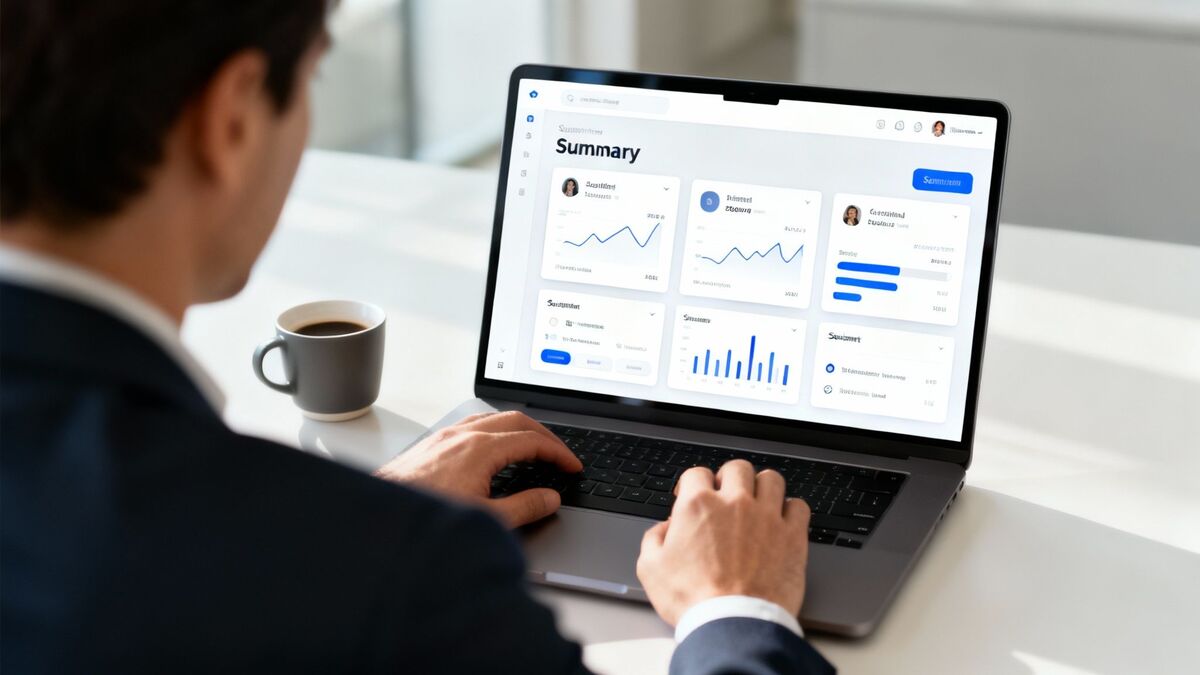
Collecting a steady stream of feedback is a great start, but it's only half the battle. The real magic happens when you can quickly understand what all that data actually means. For a busy owner, manually digging through hundreds of survey responses is impossible—the best insights get buried, and huge opportunities are missed.
This is where AI steps in as your most valuable analyst. It turns messy, unstructured feedback into clear, actionable intelligence so you can act faster.
This isn’t just a trend. The entire survey software market is exploding thanks to AI-powered automation. It's currently valued at USD 5.12 billion and is on track to hit USD 9.6 billion by 2031. This growth is all about AI's ability to make sense of the answers. For a deeper look, check out our guide on how an AI review summarizer can save you hours.
Your 24/7 Data Analyst: AI Summaries
Imagine having an expert analyst on your team who works around the clock, never takes a break, and instantly finds the meaning in every piece of feedback. That's exactly what you get with AI Summaries in our Feedback Operating System.
Instead of you spending hours reading every single comment, our AI does the heavy lifting.
AI Summaries is your instant insight engine. It automatically analyzes all incoming feedback to spot key themes, perform sentiment analysis, and tell you exactly what customers love and what needs fixing—fast. It’s like getting a daily briefing on your customer experience without lifting a finger.
This means you can instantly see if multiple guests are mentioning the "slow check-in process" or praising a "friendly barista." The AI understands context and emotion, giving you a true pulse on customer happiness.
Seeing the Full Picture with a Unified Dashboard
Your customers aren't just talking to you through your surveys. They're leaving reviews on Google, TripAdvisor, Yelp, and dozens of other public sites. If you’re only looking at your internal survey data, you're missing a huge piece of the puzzle. To really get the most from feedback, you need to understand the bigger concepts of AI automation.
That's precisely why we built Radar, our unified review intelligence dashboard. Think of it as your business's command center for customer sentiment.
Radar is our unified review intelligence feature that gives you a complete, 360-degree view of your reputation in one place. It pulls in feedback not just from your automated surveys but also from all the major public review sites that matter to your business.
Here’s how Radar helps you act faster and grow stronger:
Unified View: Stop jumping between a dozen different websites. See all your reviews—from Google, your website, and your surveys—on a single dashboard.
Trend Spotting: Are mentions of "cleanliness" trending up or down? Radar helps you spot patterns across all platforms before they become major issues.
Competitive Insight: Keep an eye on what customers are saying about your direct competitors to find your competitive edge.
With Radar, you stop managing individual comments and start managing your overall reputation.
Automated Service Recovery: When a Survey Comes Back Negative

Let's be honest: no business is perfect. What sets a brand apart isn’t avoiding mistakes, but how you fix them. An unhappy customer's frustration often snowballs into a lost customer and, worse, a damaging one-star review that scares off future guests.
But these moments of friction are also your biggest opportunities. A quick, empathetic response to a complaint can turn an angry customer into one of your most loyal fans. This is where automated service recovery becomes your secret weapon for building loyalty and protecting your reputation. Acting quickly shows you're listening and that you genuinely care. For a deeper dive into these strategies, check out our guide on feedback resolution automation.
Your Automated Service Recovery Specializt
Imagine a system that not only spots an unhappy guest but immediately triggers a process to make things right. That’s exactly what the Resolutions Engine does—a core feature of our Feedback Operating System.
The Resolutions Engine automatically spots low scores or negative comments in a survey and kicks off a pre-set workflow to resolve the problem. This isn’t just about sending a generic apology; it’s about taking immediate, meaningful action to repair the experience and prevent a bad public review.
When the system flags a poor rating, it can instantly:
Send a personalized, empathetic apology email that references the specific issue.
Issue a unique discount code or voucher for a future visit.
Create a task and notify a manager to follow up with a personal phone call.
This layered approach makes sure no unhappy customer ever slips through the cracks.
Turning a Complaint into a Compliment
Let’s see how the Resolutions Engine works in the real world. A boutique hotel was getting occasional complaints about noise in its street-facing rooms.
The Problem: A guest fills out a post-stay automated survey and gives a low score for "Room Comfort," adding a comment that "the traffic noise kept them up all night."
The Automated Solution: The Resolutions Engine instantly picks up on the low score and negative sentiment. Within minutes, it triggers this automated workflow:
An email is sent to the guest, personally apologizing for the disruptive noise.
The same email includes a voucher for a complimentary upgrade to a quieter room on their next stay.
A task is automatically created in the hotel manager's dashboard to personally call the guest.
The Result: The guest, who was ready to leave a bad review, was completely won over. The swift, proactive response didn't just prevent a negative review—it turned them into a loyal, repeat customer. This is how you act faster to grow stronger.
5 Automated Survey Examples (Trigger → Survey → Action)
The real magic behind automated surveys isn't just what you ask, but when you ask it. Each example below follows the same anatomy: a trigger event in software you already use, the survey it fires, and the action the response kicks off. This isn't a niche tactic anymore — the global online survey software market was valued at USD 3.61 billion in 2023 and is on track to hit USD 8.95 billion by 2030. You can dive deeper into this data by reading the full market analysis on grandviewresearch.com.
1. Post-Purchase Survey (Retail)
Trigger: An online order is marked "delivered," or an in-store payment closes in your POS.
Survey: Three questions — satisfaction with the product, satisfaction with delivery or checkout, and likelihood to buy again.
Action: A low score opens a support follow-up the same day; separately, every customer gets an invitation to leave a public review.
2. Post-Stay Survey (Hotel)
Trigger: A guest's status flips to "checked out" in your PMS, like Mews.
Survey: Overall stay rating, what stood out, and whether anything went wrong.
Action: An unhappy guest gets a personal recovery email and a manager alert while they're still reachable; every guest also gets a Google review ask after checkout.
3. Post-Appointment Survey (Clinic or Salon)
Trigger: An appointment is marked "complete" in your scheduling software.
Survey: Wait time, quality of care or service, and ease of booking.
Action: Wait-time complaints are tagged and rolled into a weekly report for the practice manager — one bad day is noise, three bad Tuesdays is a scheduling problem.
4. Quarterly NPS Survey (Professional Services & B2B)
Trigger: A recurring 90-day schedule per client account, or a project milestone sign-off.
Survey: The NPS question ("How likely are you to recommend us?") plus one follow-up: "What's the main reason for your score?"
Action: Detractors are routed to the account manager the same day. For agencies and firms, this pairs naturally with a deeper client satisfaction survey at renewal time.
5. Service-Recovery Re-Survey
Trigger: A complaint's resolution is marked "complete" — the refund sent, the replacement delivered, the issue fixed.
Survey: One question: "Did we actually fix it?"
Action: A "no" escalates immediately; a "yes" triggers a thank-you that closes the loop and often converts a former complainer into a repeat customer.
By setting up flows like these, you turn feedback from a manual chore into an automated, strategic part of your business.
Types of Automated Surveys by Channel
The trigger decides when a survey goes out; the channel decides where it lands. Most businesses get the best coverage by pairing two channels — one immediate, one reflective.
Email surveys. The workhorse for post-stay and post-project feedback: room for multiple questions, easy personalization, and customers can answer when they have a quiet moment. Deliverability and subject lines matter more than most owners expect — our guide on how to email a survey covers what actually gets responses.
SMS surveys. The immediacy channel: most texts are read within minutes, which makes SMS ideal for a one-question rating right after payment or delivery. Keep it to a rating plus a link. See our guide to SMS surveys for customer satisfaction for setup and compliance basics.
QR codes at the point of service. A code on the receipt, table tent, or front desk turns physical foot traffic into survey responses with zero contact data required — the customer triggers the survey themselves while the experience is seconds old.
In-app and website surveys. For SaaS, e-commerce, and booking flows: a short prompt after a key action (checkout, cancellation, first login) captures context no email follow-up can match.
Phone and IVR surveys. The legacy channel — an automated call or post-call keypad rating. Still common in healthcare, utilities, and call-center-heavy businesses, but response quality skews low; treat it as a fallback where SMS or email aren't viable.
Turning Positive Survey Responses into Public Proof
Collecting positive feedback is a huge win, but what happens next? Too often, those glowing five-star comments stay locked away. That's a massive missed opportunity. Your best feedback is one of your most powerful marketing assets. By turning your private praise into public proof, you build the kind of trust and credibility that no advertisement can buy. This is how you close the loop and truly grow stronger.
From Private Praise to Public Proof
Imagine being able to automatically find your best feedback and instantly display it on your website for potential customers to see. That’s the idea behind the Spotlight Feedback Wall, a new feature in the FeedbackRobot Operating System.
The Spotlight Feedback Wall automatically curates your best survey responses and public reviews from Radar into a beautiful, shareable wall that you can embed directly on your website. It turns a stream of glowing feedback into a dynamic, trust-building asset that works for you around the clock.
This isn't just about showing off a few good reviews. It’s about creating a living testament to your quality. The Spotlight Feedback Wall constantly updates with fresh praise, providing the authentic social proof that convinces new customers to choose you over the competition.
Activate Your Feedback Wall Today
Ready to stop hiding your best reviews and start showcasing your success? Now is the perfect time to see how the entire Feedback Operating System can help you collect smarter, act faster, and grow stronger. From automated surveys to AI-powered insights and service recovery, every tool is designed to give you an edge.
Start your 14-day free trial of FeedbackRobot today, and be one of the first to activate the new Spotlight Feedback Wall. It’s time to let your happy customers do the talking.
Common Questions, Answered
You’ve seen what automated surveys can do, but it’s smart to have a few questions before jumping in. Let’s tackle the most common ones we hear from busy owners like you.
Won’t Automated Surveys Feel Cold and Impersonal?
Not at all—when done right, it's the opposite. Modern tools like FeedbackRobot can pull in data from your POS or PMS (think Toast or Mews) to add a customer’s name or mention their specific visit. But the real magic is in the timing. A survey that lands in their inbox at the perfect moment shows you’re paying attention. Automation makes that perfect timing possible, making the interaction feel thoughtful, not robotic.
How Much Tech Skill Do I Need to Get This Set Up?
Far less than you’d expect. Platforms like FeedbackRobot are built for operators, not IT wizards. With features like our Prompt to Survey, you can literally type out your goal in plain English, and it builds a professional survey for you. Connecting to systems you already use, like Toast and Mews, is usually just a one-click process so you can get back to running your business.
What’s the Single Most Important Metric to Watch?
While Net Promoter Score (NPS) is great for a high-level view, the metrics that really move the needle for a service business are your issue resolution rate and response time. Simply put: how fast are you finding and fixing customer problems? This is what stops a bad experience from turning into a negative online review. Our Resolutions Engine was built for exactly this. Every complaint becomes a chance to prove you listen and win back a customer for life.
Ready to stop chasing feedback and start using it to grow? With FeedbackRobot, you can collect smarter insights, act on them faster, and build a stronger business.
Why are automated surveys more effective than manual ones?
Consistency and timing. Automated surveys never 'forget' to ask, and they send the request at the peak of the experience, leading to 3x higher response rates than manual requests.
Can I set up 'Recursive' automated surveys?
Yes. You can schedule 'check-in' surveys for long-term clients or 're-engagement' surveys for guests who haven't visited in 90 days, keeping your brand top-of-mind.
Does the automated system work on all devices?
Modern platforms like FeedbackRobot are 'Device-Agnostic.' Your surveys will look and function perfectly on iPhones, Androids, Tablets, and Desktops automatically.
How do I prevent 'Survey Fatigue' in an automated system?
Use 'Smart Frequency Caps.' You can program the system to only survey a specific customer once every 60 days, ensuring your most loyal guests aren't bothered too often.
Can I automate different surveys for different services?
Yes. You can set up 'Conditional Workflows' so that a guest who bought 'Lunch' gets a different set of questions than a guest who stayed for 'Dinner and Drinks.'
Stop reading about it. Let your agent handle it.
25 free AI actions · no credit card required
Start Free